🚚 Free Worldwide Shipping on All Orders!Shop Now





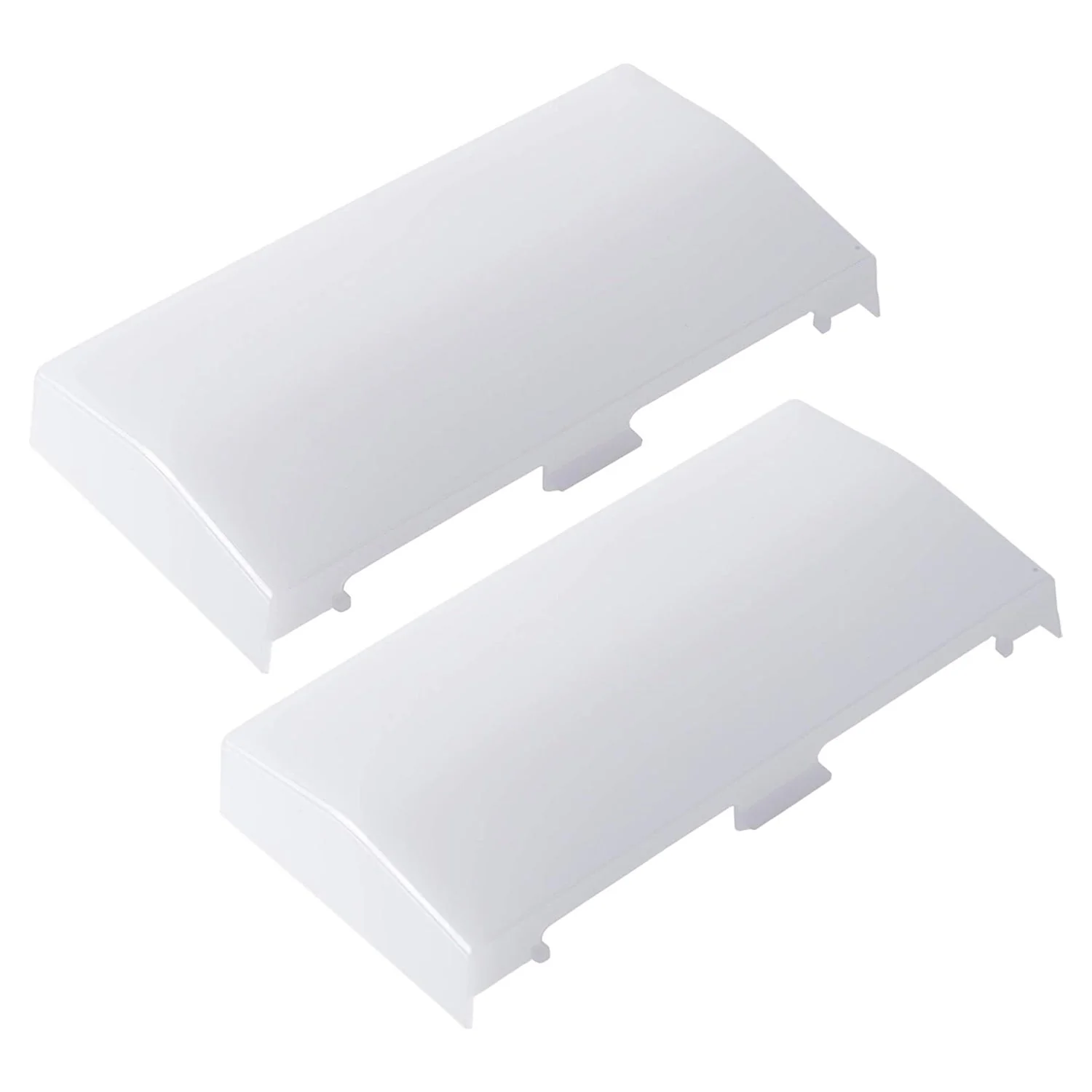
89108000 Bathroom Vent Fan Light Lens Cover - For Broan NuTone 763RLN 769RF 769RFT 769RL Exhaust Fan
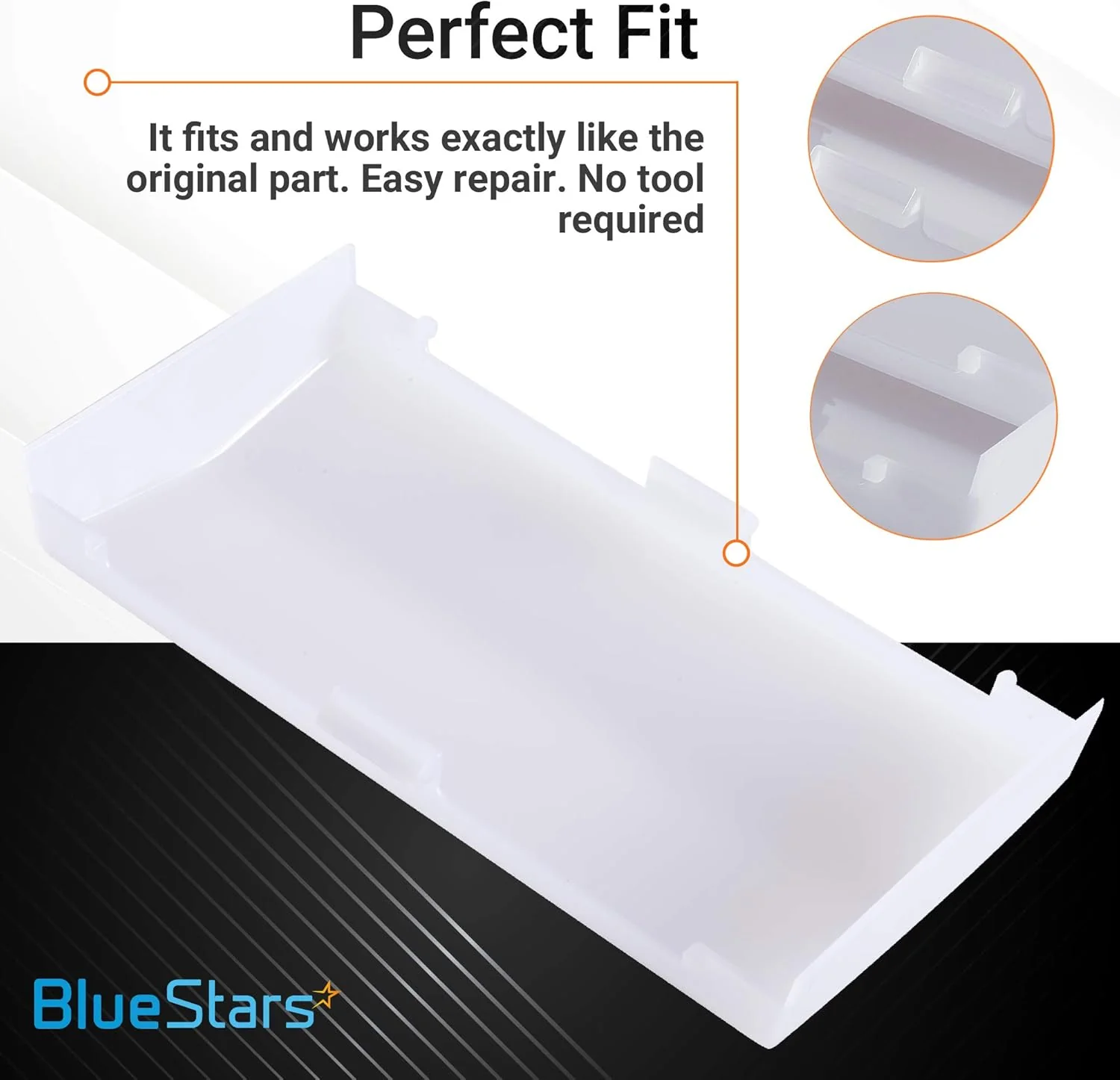
89108000 Bathroom Vent Fan Light Lens Cover
Key Features
- Direct replacement light lens cover for bathroom ventilation fans.
- Constructed from durable plastic material.
- Diffuses light from the internal bulb of the fan assembly.
Replaces / Cross-Reference Part Numbers
- 89108000
Compatibility & Fitment
- Designed for specific Broan and Nutone ventilation fan models.
- Fits Models: 763RLN, 769RF, 770F, VF705RCN, VF707RCN.
When to Replace
- The original lens cover is cracked, broken, or missing.
- The lens has yellowed or become discolored, reducing light output.
Installation Tips
- Ensure the power to the fan unit is turned off at the circuit breaker before installation.
- To remove the existing cover, gently squeeze the sides and pull downward.
- Align the tabs of the new lens with the slots in the fan housing and push up until it snaps securely into place.
$5.49
Original: $15.70
-65%89108000 Bathroom Vent Fan Light Lens Cover - For Broan NuTone 763RLN 769RF 769RFT 769RL Exhaust Fan—
$15.70
$5.49Product Information
Product Information
Shipping & Returns
Shipping & Returns
Description
89108000 Bathroom Vent Fan Light Lens Cover
Key Features
- Direct replacement light lens cover for bathroom ventilation fans.
- Constructed from durable plastic material.
- Diffuses light from the internal bulb of the fan assembly.
Replaces / Cross-Reference Part Numbers
- 89108000
Compatibility & Fitment
- Designed for specific Broan and Nutone ventilation fan models.
- Fits Models: 763RLN, 769RF, 770F, VF705RCN, VF707RCN.
When to Replace
- The original lens cover is cracked, broken, or missing.
- The lens has yellowed or become discolored, reducing light output.
Installation Tips
- Ensure the power to the fan unit is turned off at the circuit breaker before installation.
- To remove the existing cover, gently squeeze the sides and pull downward.
- Align the tabs of the new lens with the slots in the fan housing and push up until it snaps securely into place.